
Corporate Secretary Portal
The system a Labuan corporate secretary firm uses to take clients from first application to incorporation documents.
Client project
Centralising a corporate secretary firm's client operations
A digital platform Foxinex developed to help a corporate secretary firm manage client engagements in one place, from the first application through review, approval and the paperwork that follows.
The goal was simple: replace scattered spreadsheets, messaging threads and paper forms with a single, organised hub that staff and clients could both rely on.
- Client
- A corporate secretary firm in Labuan
- Built
- Client portal, staff portal and a controlled API
- Platform
- Microsoft 365, SharePoint and Azure
Walkthrough
One application, start to finish
-
Step 1 of 5
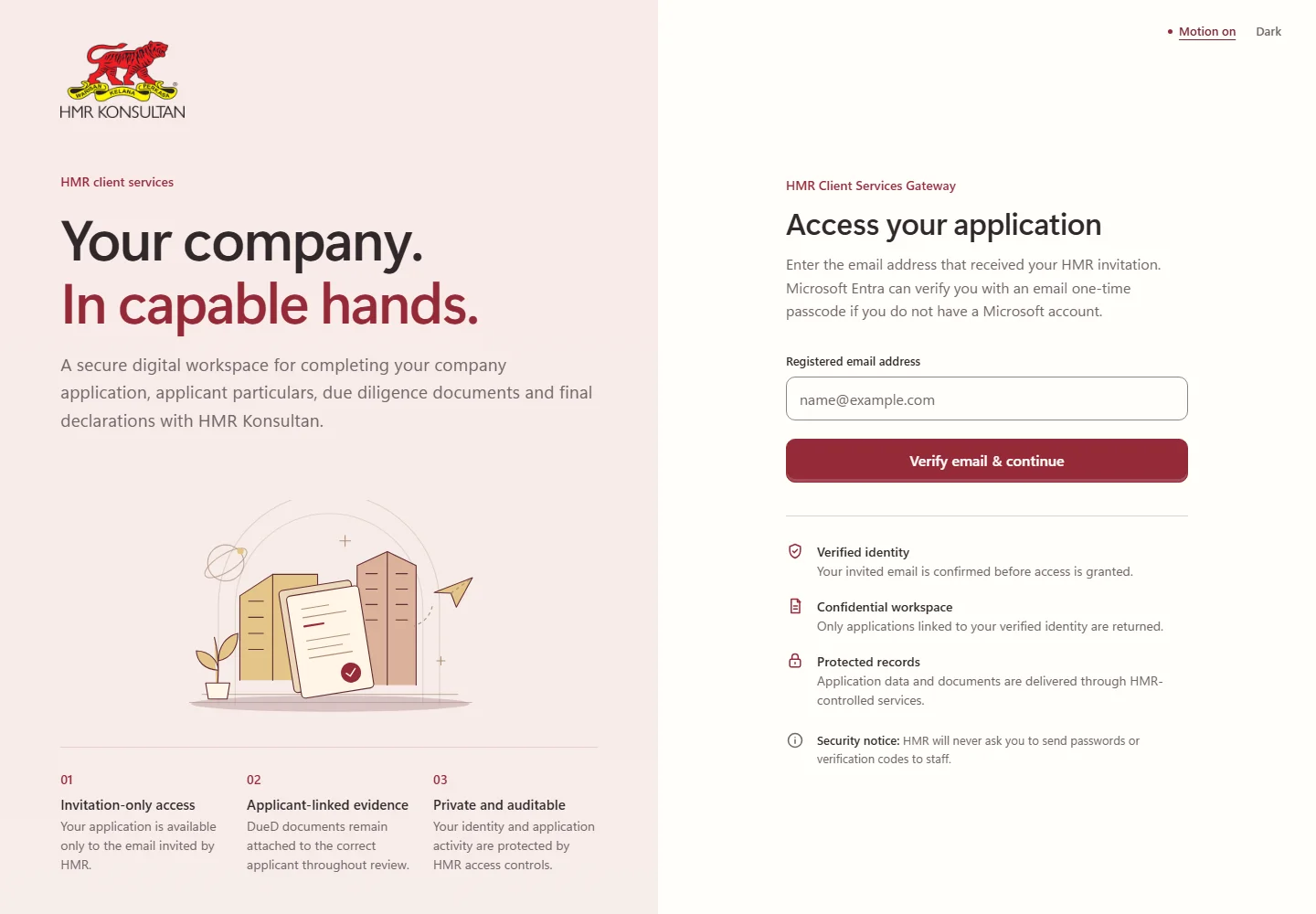
Invitation-only access
Clients are invited by the firm and verify their email through Microsoft Entra before they see anything. Each person only ever sees their own applications.
-
Step 2 of 5
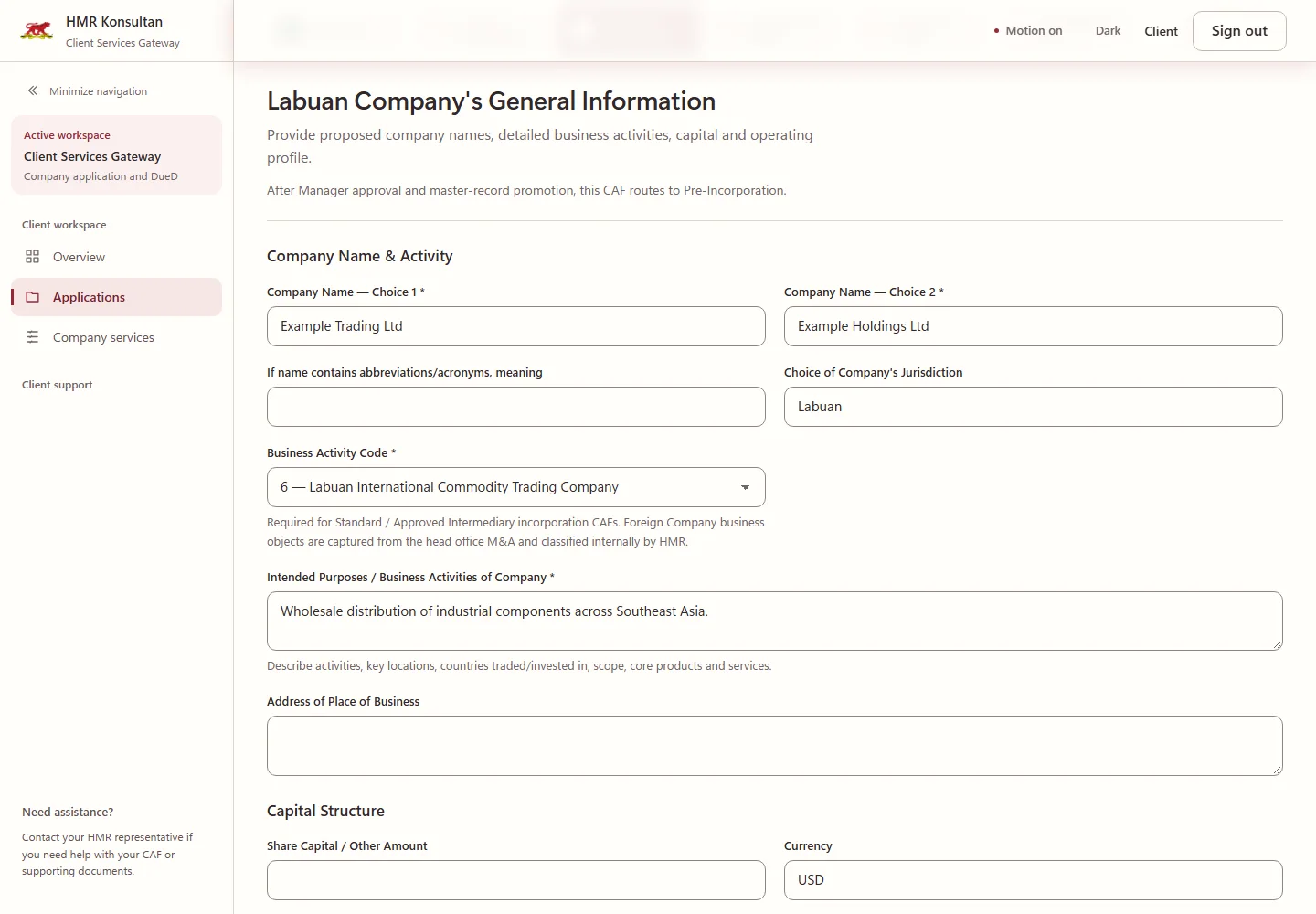
A guided company application
The application is split into seven steps, with required fields flagged as you go and due diligence documents attached to the right applicant.
-
Step 3 of 5
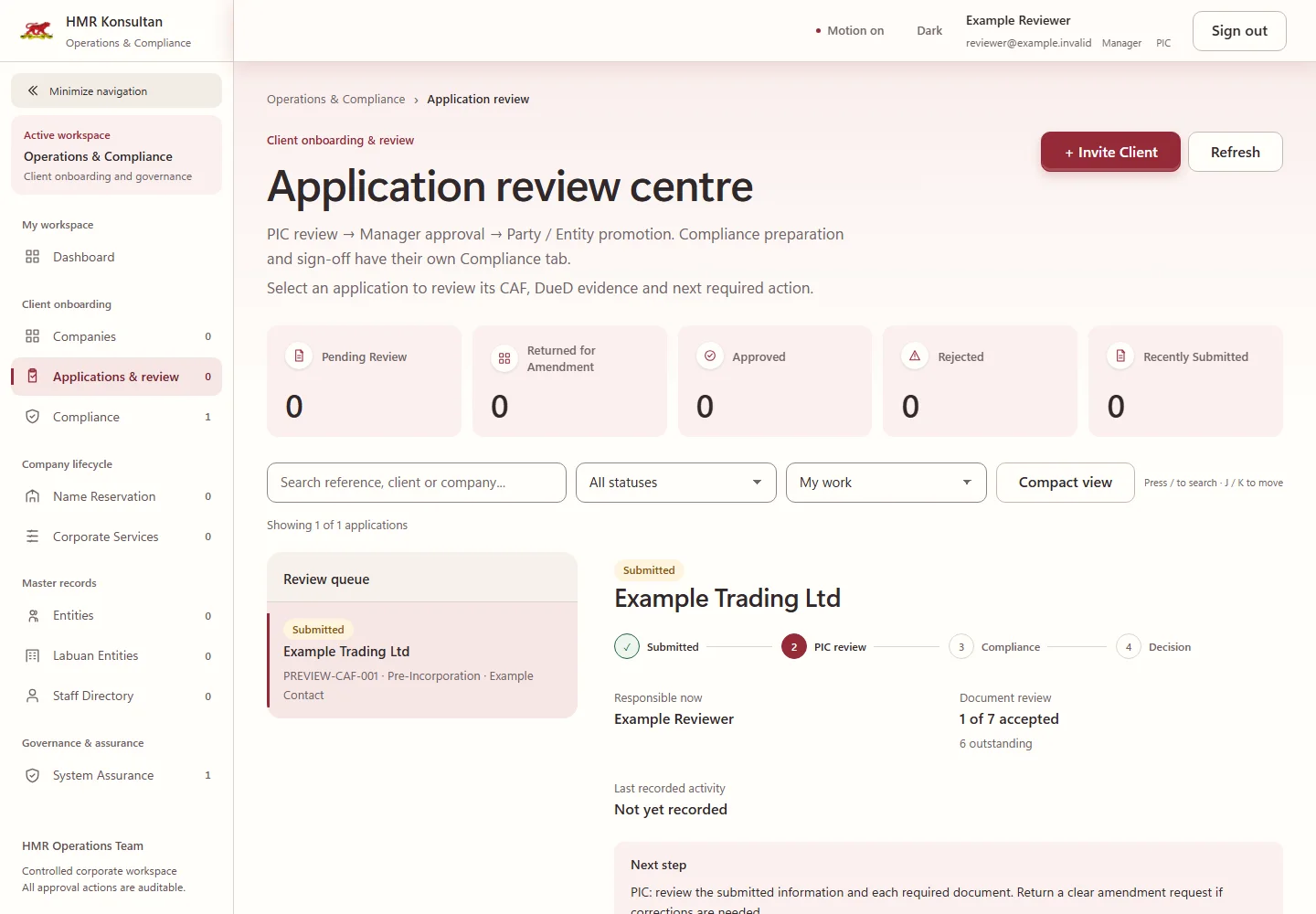
Review with a clear owner
Staff see each application's stage, who is responsible right now and what happens next: PIC review, compliance, then manager approval.
-
Step 4 of 5
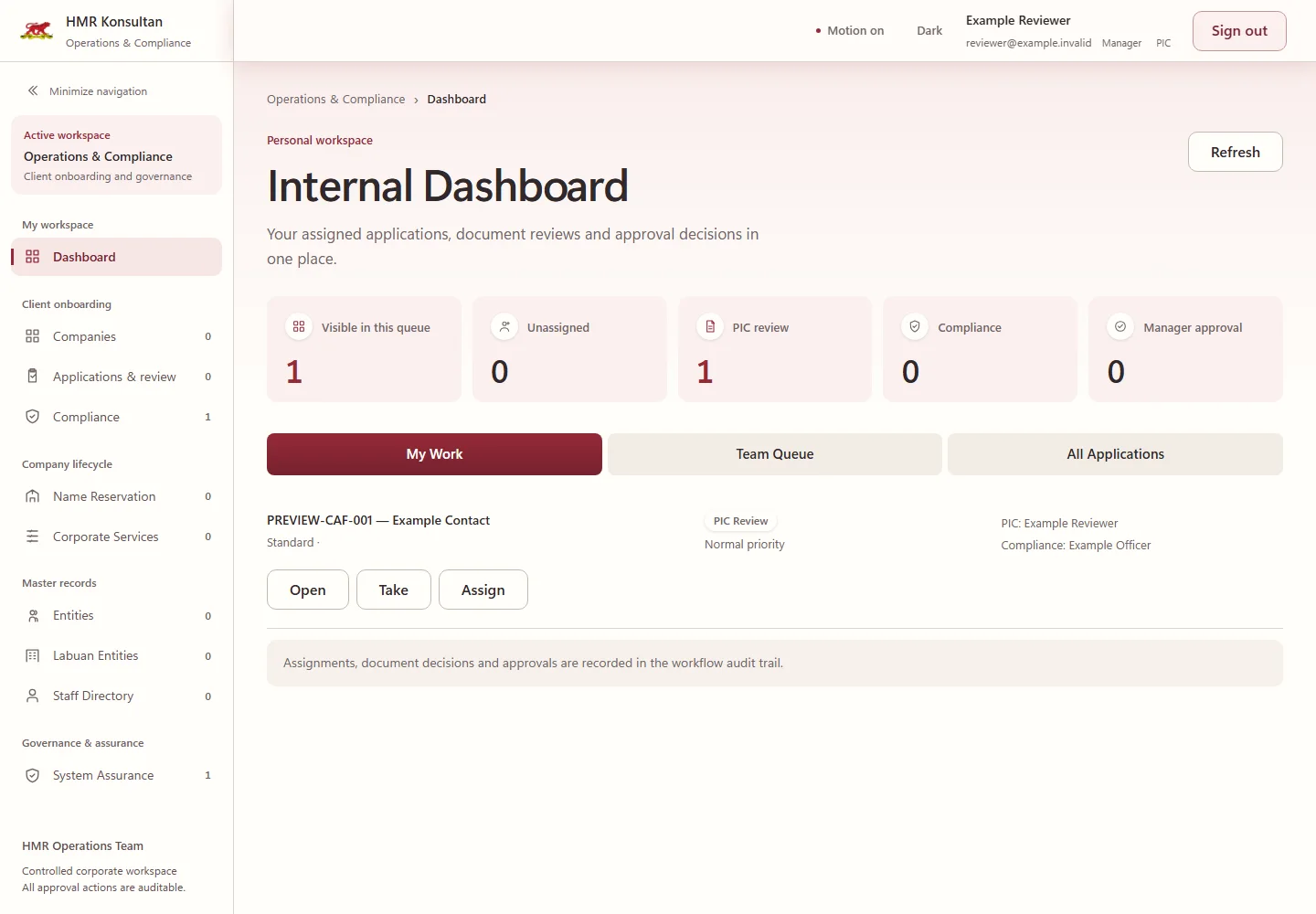
A queue for every reviewer
Each reviewer opens to their own work. Assignments, document decisions and approvals are recorded in an audit trail.
-
Step 5 of 5
From approval to incorporation
Approved clients move into name reservation and an incorporation document pack, generated from the firm's own Labuan templates.
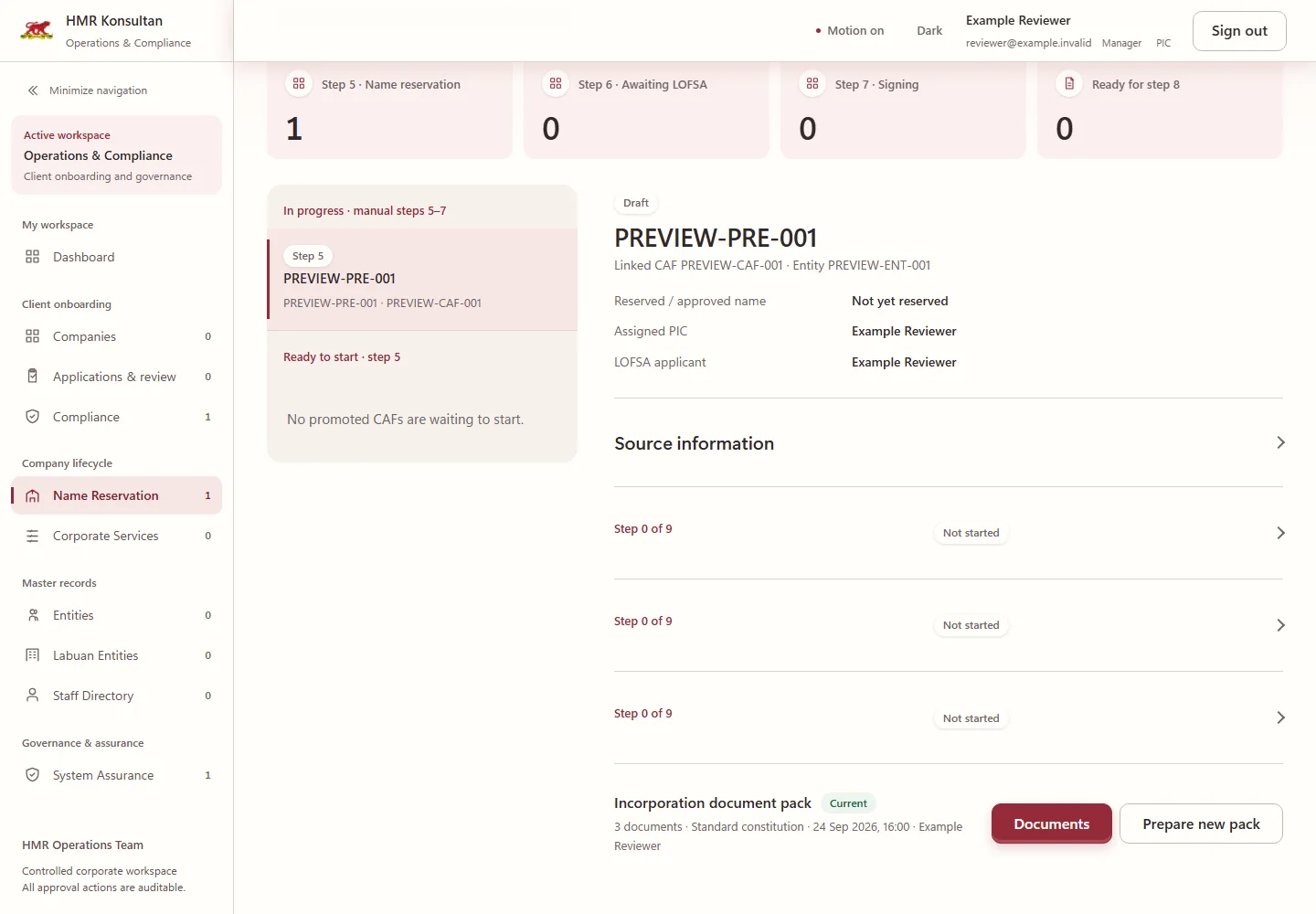
Works just as well on a phone
- Built on Microsoft 365 and SharePoint the firm already uses
- Changes go through a controlled API, not straight from the browser
- Every screen checked at phone, tablet and desktop sizes
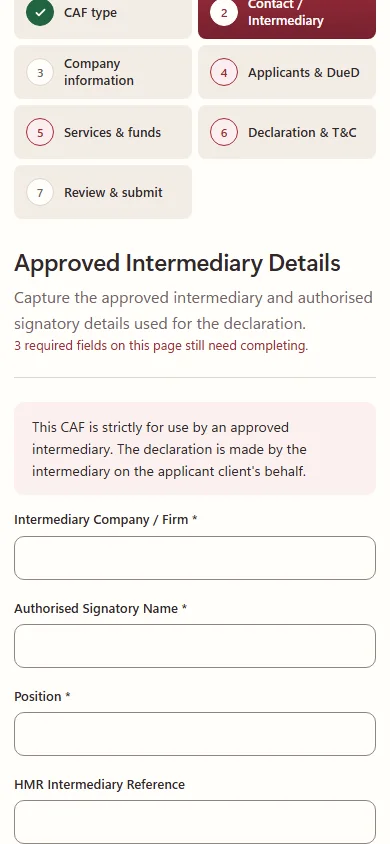
All screenshots use sample data. No client or user data is shown.
More work
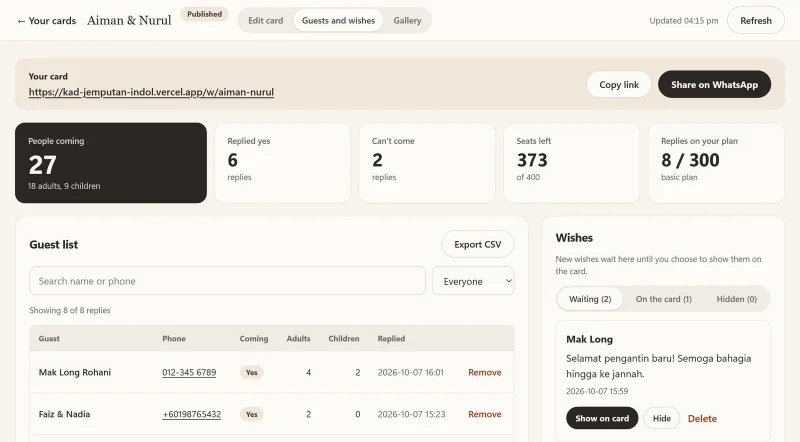
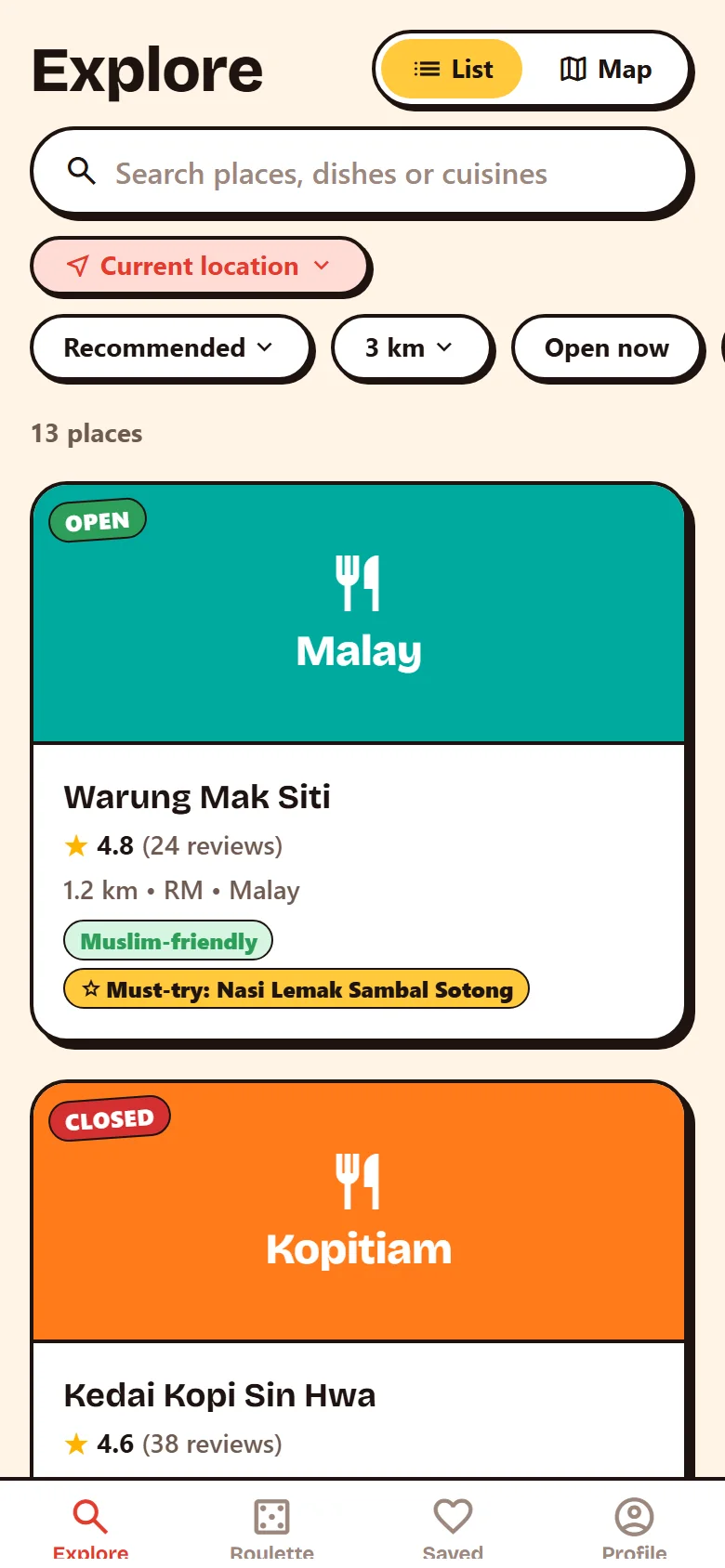
Other projects
Have a similar problem to solve?
If your team is still running on spreadsheets and group chats, we can help you fix that.
- SSM-registered in Malaysia
- Reply within one business day
- Free scoping call